
Twitch Emote Maker
A Twitch emote maker turns your character into channel emotes, downloaded at Twitch's 112, 56 and 28 px sizes.
What is a Twitch emote maker?
A Twitch emote maker turns a character or an idea into chat emotes for a Twitch channel. blubiu's Twitch emote maker draws your own character in the reactions you pick, as bold face close-ups with an optional white border, and downloads every emote at the three Twitch sizes, 112, 56 and 28 pixels, as a transparent PNG or an animated GIF.
Checked 2026-11-08
Who it's for
- +You stream with a mascot, a VTuber model or a channel character and want emotes that match it.
- +You just reached Affiliate and want a first set of subscriber emotes without waiting weeks for commissions.
- +You run several emote slots and want new reactions that still look like the rest of the set.
- +You moderate or design for a channel and need quick drafts to show the streamer before final art.
When not to use it
- −You want lettered emotes such as GG or POG text. Emotes come out without text, so add letters in an editor, and keep them thick enough to read at 28 px.
- −You only need to resize finished art to 112, 56 and 28 px. A resizer does that; this tool draws new emotes from your character.
- −You need emoji for a Discord server, which takes one 128 px file under 256KB. Discord Emoji Maker →
- −You want an animated alert or overlay with camera motion, longer than a one-second loop. AI Image to Video Generator →
How to use the Twitch emote maker
- 01
Add your character
Upload your channel character, VTuber art or mascot, or pick it from your saved characters. A turnaround or a clear front view works best. No art yet? Describe the character in one line.
- 02
Pick the reactions
Tick up to 8, such as LOL, Thumbs up, Cry and Shocked. Face close-up and the white border are on by default, because chat shows emotes at 28 pixels. Choose still PNG for subscriber emotes or animated GIF if your channel has animated emotes.
- 03
Download the three sizes and upload
Under each result, click Twitch 112, Twitch 56 and Twitch 28. In your Creator Dashboard, open Viewer Rewards, then Emotes, and upload the three files, or give Twitch just the 112 file and let it resize the rest.
Tips for better Twitch emote maker results
Design for 28 pixels
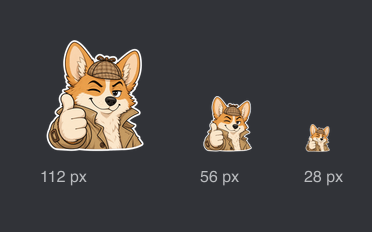
Chat shows emotes at 28 by 28 pixels, smaller than a fingernail on screen. Big eyes, a wide mouth and one clear prop survive that size; fine lines and small accessories don't. The face close-up keeps the head filling the square.
Keep the white border on
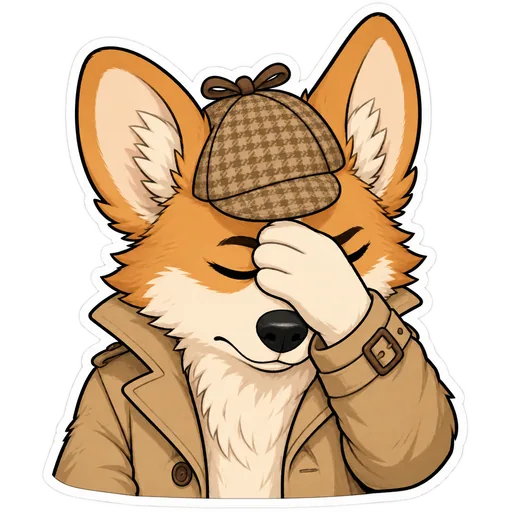
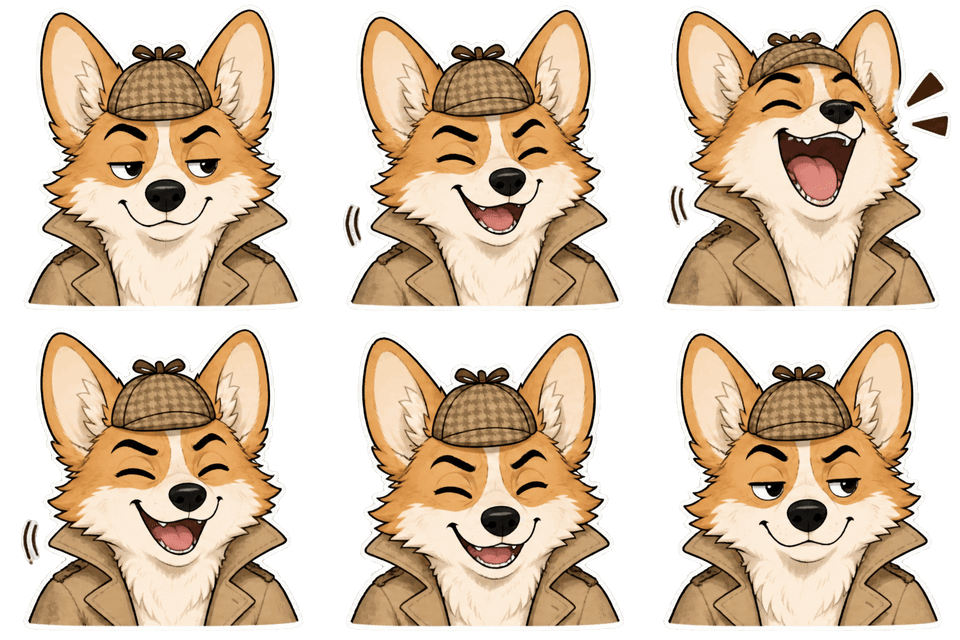
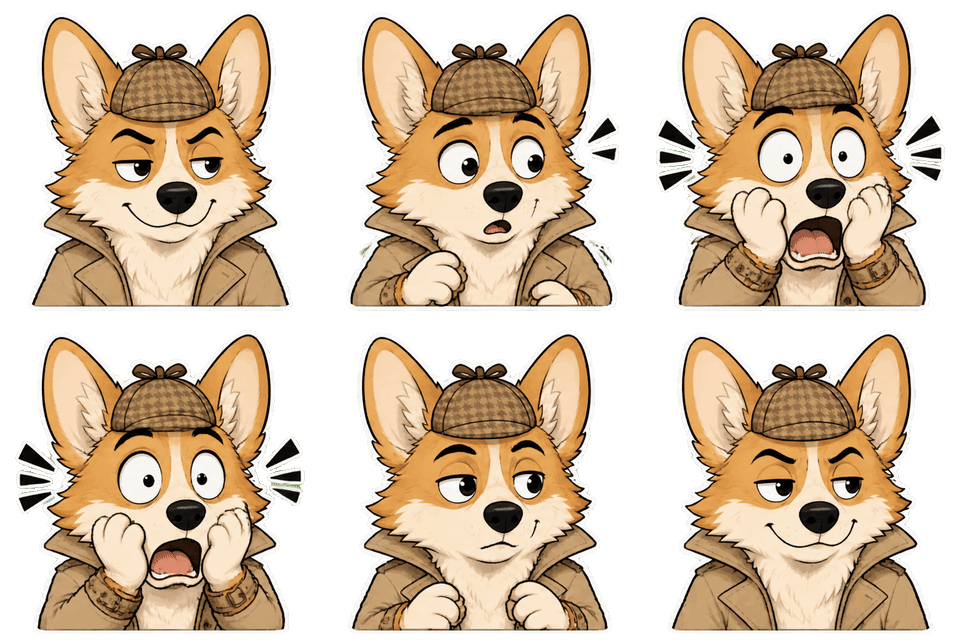
Viewers use both light and dark chat themes. The white sticker border follows the character's outline and keeps it readable on both; our corgi detective's ears and deerstalker hat stayed clear at 28 px with it.
Use one reaction per emote
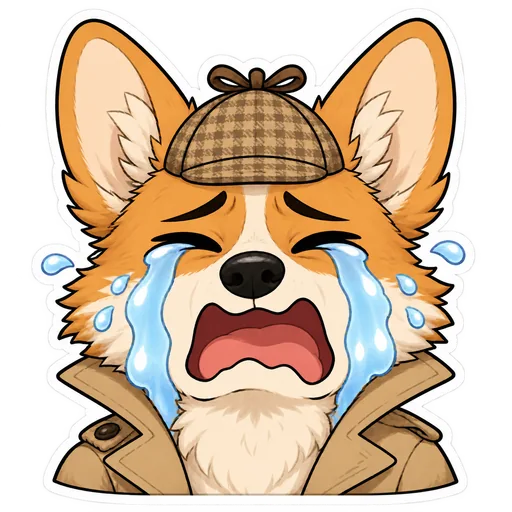
An emote is read in a split second between chat lines. One strong reaction, such as tears streaming down or a hand pressed to the face, reads faster than a mix of two feelings.
Animated emotes: quick, smooth loops
Twitch caps animated emotes at 60 frames and doesn't allow flashing more than 3 times a second. Our GIFs are 8 frames at 120 milliseconds, a one-second loop that starts and ends on the same pose, well inside those rules.
Upload a picture to keep the set consistent
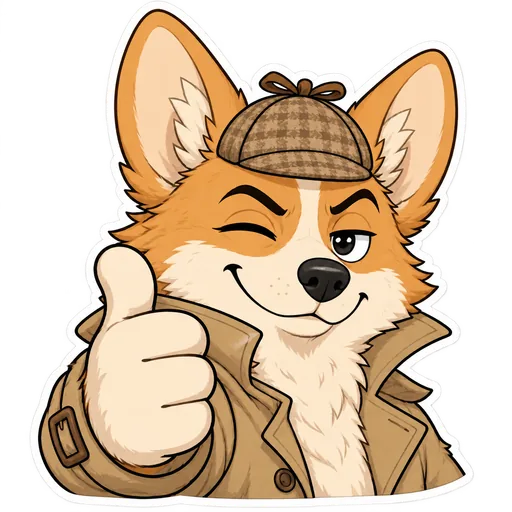
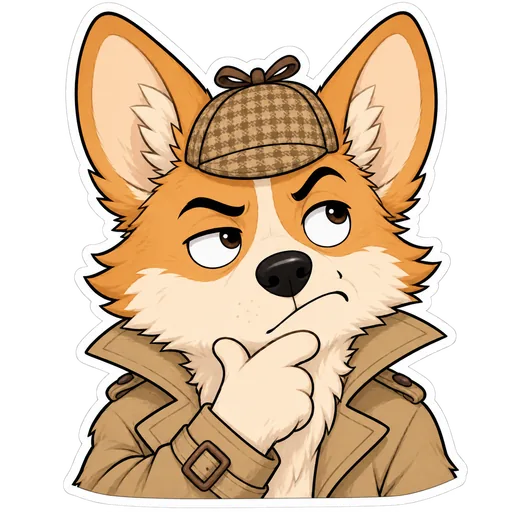
A reference image keeps every emote on the same design: in our six corgi emotes, the plaid deerstalker, trench coat collar and white muzzle never changed. A description alone redraws the character each time, so emotes made on different days may not match.
Twitch emote maker examples
All of these were generated on blubiu.
Twitch emote maker vs. similar tools
| Tool | You give | You get | Best for |
|---|---|---|---|
| Twitch emote maker (this page) | Your character image or a description, plus up to 8 reactions | Emotes at 112, 56 and 28 px, PNG or GIF | Subscriber, follower and animated emotes of your own character |
| Discord emoji maker | The same form, without a border by default | 128 px emoji under 256KB | The same character in your Discord community |
| AI sticker generator | The same form, full body by default | 1024 px PNG or 512 px GIF stickers | Full-body stickers for social posts and other chat apps |
| Commissioning an artist (this page) | A brief, references and a budget | Hand-drawn emotes after days or weeks | A signature style no model can copy |
Twitch emote maker FAQ
What size are Twitch emotes?
Twitch uses three square sizes: 112, 56 and 28 pixels, and chat shows the 28 px one. You can upload all three, or one square image of at least 112 px under 1MB and let Twitch resize it. The emote maker's downloads give you all three sizes.
Is the Twitch emote maker free to try?
Yes. The Free plan includes monthly credits you can spend here. Each emote is priced on its own and the Generate button shows the total before you confirm; failed generations are refunded automatically. Plans and credit packs are on the pricing page.
Can I make animated Twitch emotes?
Yes. Choose Animated GIF to get an 8-frame, one-second loop, and download it at the three sizes. Twitch allows up to 60 frames, caps manually uploaded files at 512KB each, and doesn't allow flashing more than 3 times a second.
Who can upload custom emotes on Twitch?
Custom emotes are for Twitch Affiliates and Partners, uploaded from the Creator Dashboard under Viewer Rewards. You can make the emotes here before you qualify and upload them once your channel unlocks emote slots.
Will my emotes pass Twitch's review?
We can't promise that, because Twitch reviews every emote against its own guidelines. Use a character you own, avoid lettering that's hard to read, and keep animations calm; the sticker presets have no text and no flashing.
Which model draws the emotes?
GPT Image 2.6 Flare. Still emotes are drawn on a transparent background; animated ones are drawn on a green screen that is removed afterwards, so make green characters as stills. In our tests a still took 13 to 18 seconds and a GIF 16 to 20 seconds.
Tools to pair with the Twitch emote maker
AI Sticker Generator →
The full sticker pack of the same character, including full-body stickers for socials.
Discord Emoji Maker →
Bring the same emotes to your Discord server as 128 px emoji.
Character Expression Sheet Maker →
Lay out twelve expressions of the character on one sheet to choose your emote lineup.
AI Image to Video Generator →
Turn a still of the character into a short clip for alerts, intros and channel trailers.
Other creation tools
Wire script, character, shot and voice nodes into one pipeline and generate it clip by clip, with the same character in every clip.