
Discord Emoji Maker
A Discord emoji maker turns your character into custom server emoji, downloaded at 128 px and under Discord's 256KB limit.
What is a Discord emoji maker?
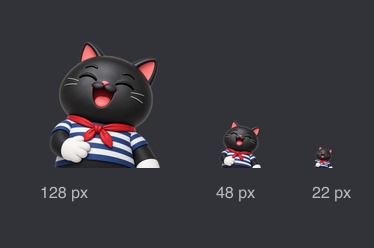
A Discord emoji maker turns a character or an idea into custom emoji you can upload to a server. blubiu's Discord emoji maker draws your own character in the reactions you pick, as transparent still emoji or animated GIFs, and downloads each one at 128 by 128 pixels, under Discord's 256KB file limit.
Checked 2026-11-08
Who it's for
- +You run a Discord server with a mascot or a community character and want reactions members actually use.
- +You are a creator, VTuber or game studio and want your character in your community's chat, not generic emoji.
- +You want a quick first set of emoji to test with members before commissioning hand-drawn ones.
- +Your brand has a Discord community and needs on-brand reactions for announcements, events and support.
When not to use it
- −You want to save or extract emoji from another server. This draws new emoji of your own character; it doesn't download existing ones.
- −You already have finished art and only need it shrunk to 128 px. Any image resizer does that; this tool draws new art from your character.
- −You need emotes for a Twitch channel, which use 112, 56 and 28 px sizes. Twitch Emote Maker →
- −You want full-size stickers for Telegram or WhatsApp rather than small server emoji. AI Sticker Generator →
How to use the Discord emoji maker
- 01
Add your character
Upload a clear picture of the character, a turnaround or a front view, or pick one from your saved characters. No picture yet? Describe the character in one line.
- 02
Pick the reactions
Tick up to 8 reactions, such as LOL, Love, Angry and Shocked. Face close-up is on by default, because Discord shows emoji small; choose still PNG or animated GIF.
- 03
Download and upload to Discord
Click Discord 128 under a result to get a 128 by 128 file under 256KB. In Discord, open Server Settings, then Emoji, click Upload Emoji and give it a name.
Tips for better Discord emoji maker results
Keep the face big
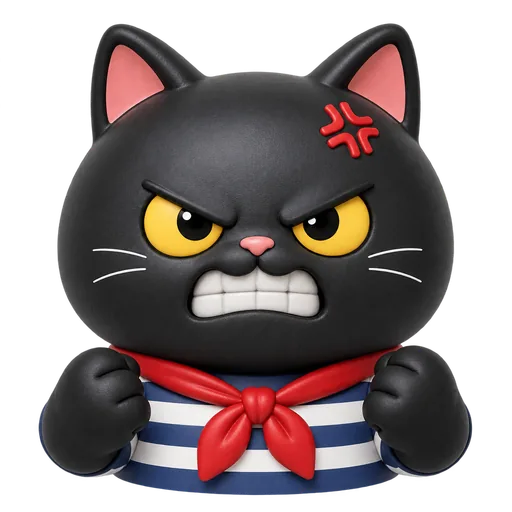
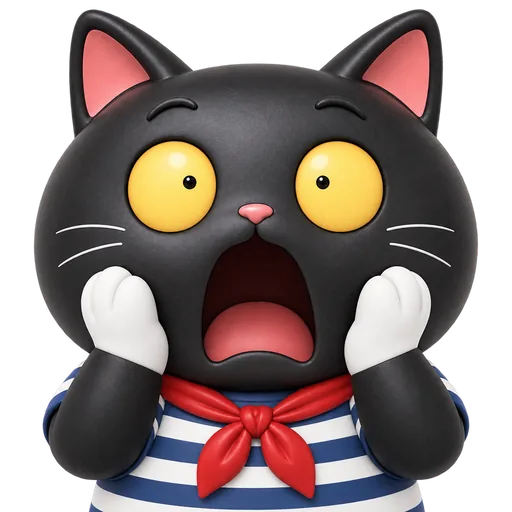
Discord shrinks uploaded emoji to about 32 pixels in chat, so a full-body pose turns into a speck. The face close-up fills the square with the head and shoulders; in our sailor cat set, the clenched teeth and anger mark stayed readable even at chat size.
Make the everyday reactions still
Anyone can send a still custom emoji, but sending animated emoji needs Nitro. Make the reactions people use all day, like LOL, Love and Thumbs up, as still PNGs, and save animated GIFs for the fun extras.
Let the download handle the 256KB limit
Discord rejects emoji files over 256KB. The Discord 128 download shrinks the sticker and, for GIFs, cuts the number of colors until it fits; our animated sailor cat came out at 51KB. If a file is ever still over, the download tells you.
Add a white border for dark mode
Most people use Discord's dark theme. A black or navy character can sink into it; turn on the white sticker border to keep the outline visible.
Upload a picture for a matching set
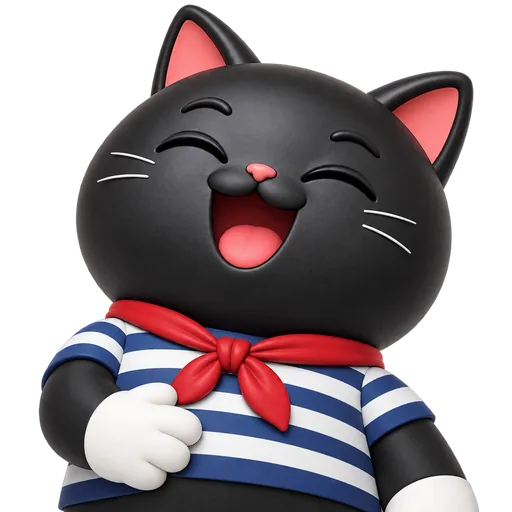
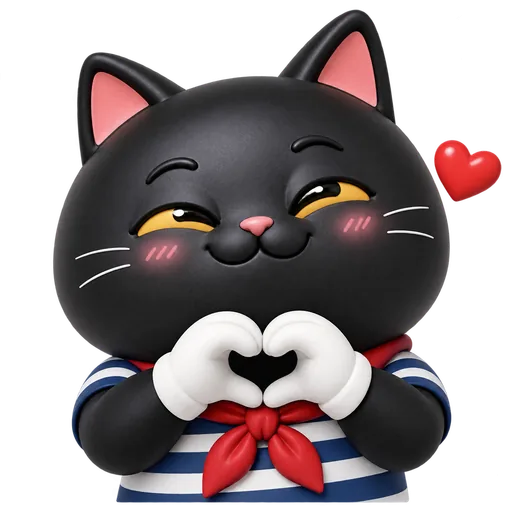
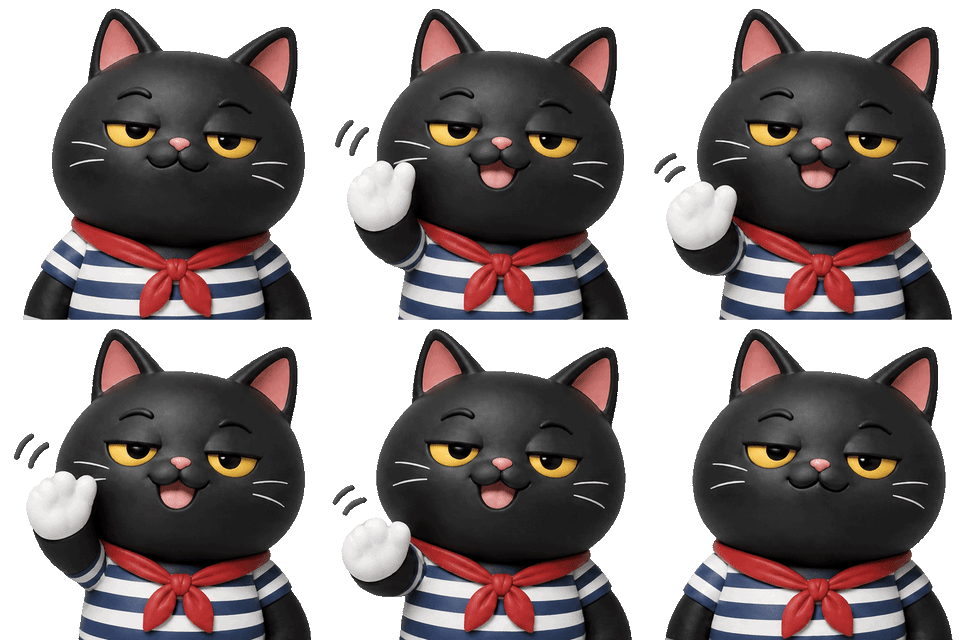
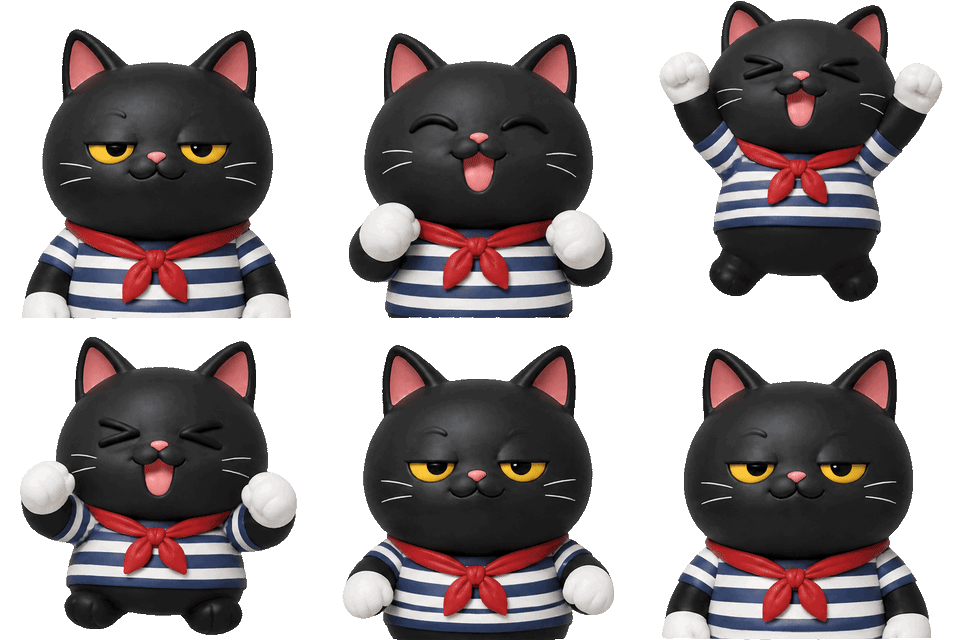
A reference image keeps the same character across every emoji: our sailor cat kept its yellow eyes, red neckerchief and striped shirt in all six. A description alone redraws the character each time, so small details change from emoji to emoji.
Discord emoji maker examples
All of these were generated on blubiu.
Discord emoji maker vs. similar tools
| Tool | You give | You get | Best for |
|---|---|---|---|
| Discord emoji maker (this page) | Your character image or a description, plus up to 8 reactions | 128 px PNG or GIF emoji under 256KB | Custom emoji of your own character for a server |
| AI sticker generator | The same form, full body by default | 1024 px PNG or 512 px GIF stickers, plus sized downloads | Large stickers for Telegram, WhatsApp and posts |
| Twitch emote maker | The same form, with a white border by default | Emotes at 112, 56 and 28 px | Channel emotes for streamers |
| Resizing existing art (this page) | A finished image | The same image at 128 px | When you already have every expression drawn |
Discord emoji maker FAQ
What size should a Discord emoji be?
Upload a square image up to 128 by 128 pixels and under 256KB; Discord shows it at about 32 pixels in chat. The Discord 128 download gives you exactly that size, as PNG for still emoji or GIF for animated ones.
Is the Discord emoji maker free to try?
Yes. The Free plan includes monthly credits you can spend here. Each emoji is priced on its own, and the Generate button shows the total before you confirm. Failed generations are refunded automatically; see the pricing page for plans and credit packs.
Can I make animated Discord emoji?
Yes. Choose Animated GIF: you get an 8-frame loop of about one second, downloaded at 128 px and under 256KB. Servers keep separate slots for still and animated emoji, and members need Nitro to send animated ones.
How do I add the emoji to my server?
Open Server Settings, go to Emoji and click Upload Emoji, then pick the file you downloaded and name it. You need to be the owner or have the permission to create expressions; otherwise ask a moderator to upload it.
Why do my emoji look different from each other?
You probably made them from a description only, which redraws the character every time. Upload a picture of the character, or save one sheet as a character and pick it from the library, and every emoji copies that design.
Which model draws the emoji?
GPT Image 2.6 Flare. Still emoji are drawn directly on a transparent background; animated ones are drawn on a green screen that is removed afterwards. In our tests a still took 13 to 18 seconds and a GIF 16 to 20 seconds.
Can I use emoji of a character I don't own?
Only upload characters you own or have permission to use. A fan-made emoji of a brand or a show's character is still that owner's character, and Discord can remove emoji that break its rules.
Tools to pair with the Discord emoji maker
AI Sticker Generator →
The full sticker pack of the same character, with larger stickers for other chat apps.
Twitch Emote Maker →
Streaming too? Turn the same character into channel emotes at Twitch's three sizes.
Character Expression Sheet Maker →
Plan the reactions on one sheet of twelve expressions before you make emoji.
AI Mascot Generator →
Need a server mascot first? Design one by picking an animal, a personality and a material.
Other creation tools
Wire script, character, shot and voice nodes into one pipeline and generate it clip by clip, with the same character in every clip.