Create any AI animation video, easily.

Examples by scene

Every image and video here was generated on blubiu. Pick a scene to see what its workflow makes.

Character music videoMusic video
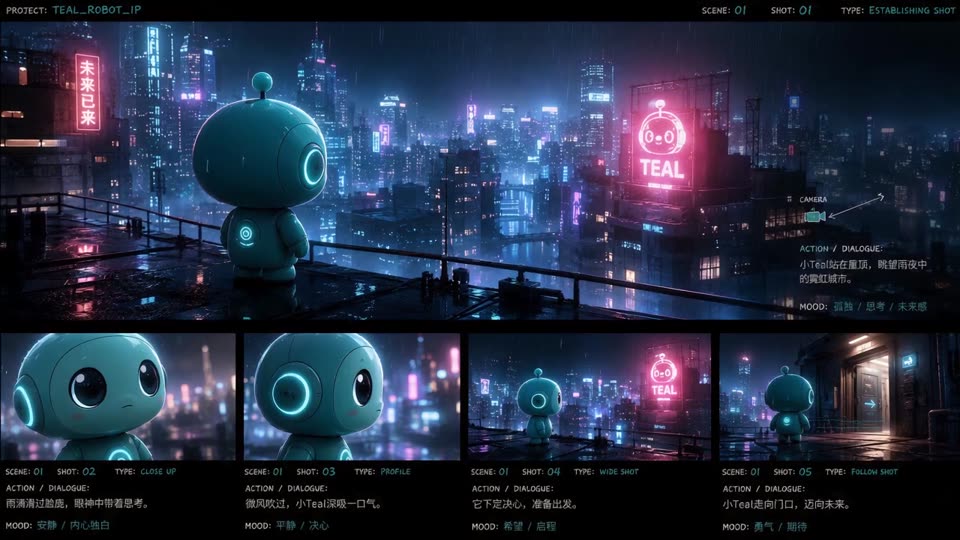
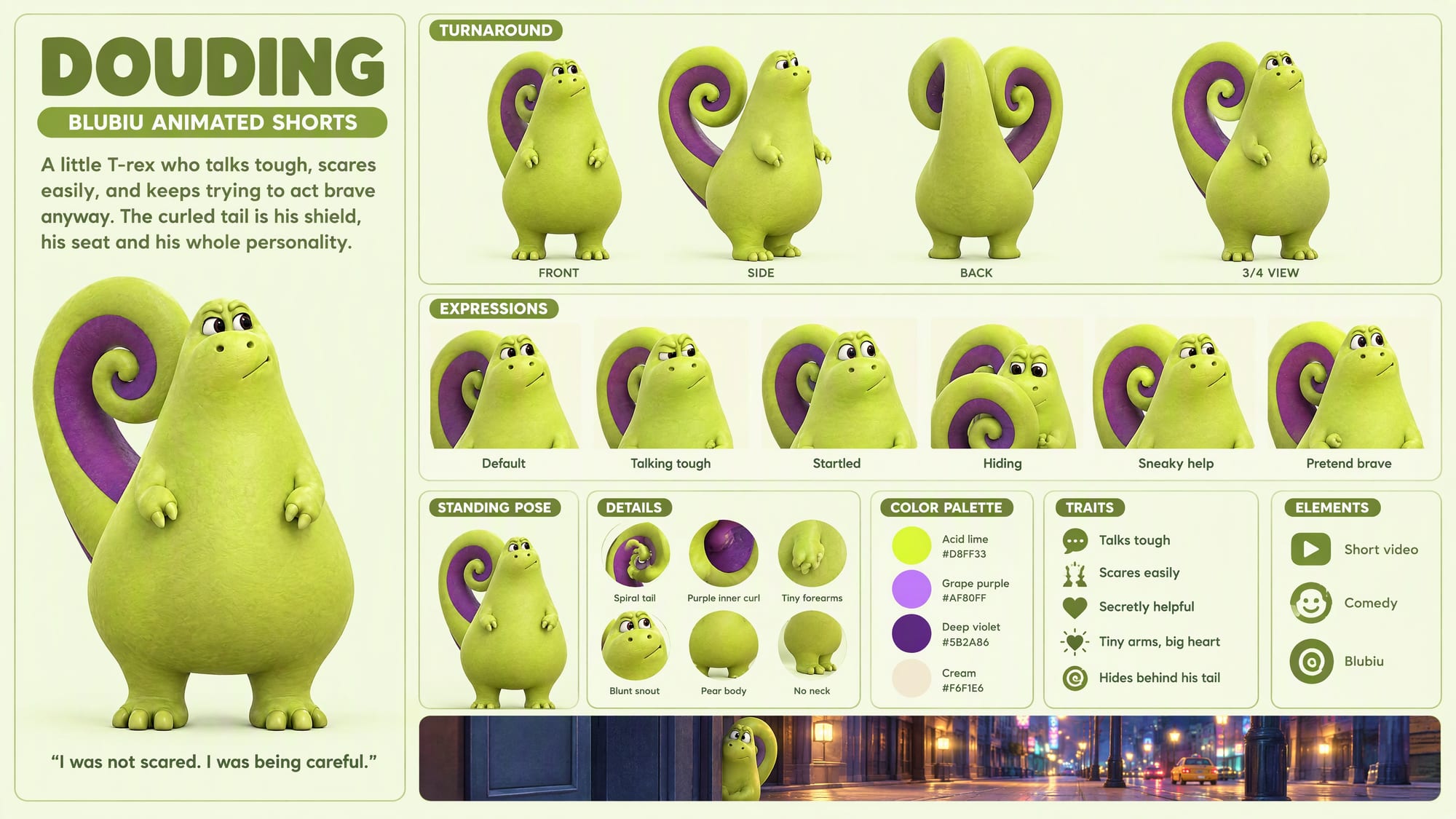
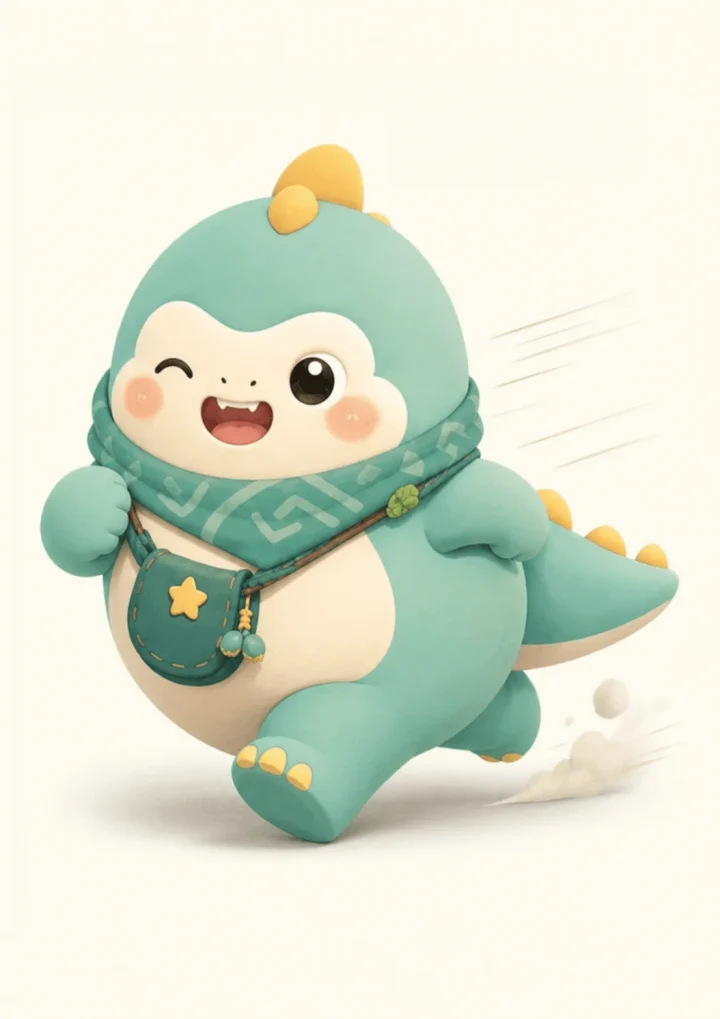
Animated IP shortAnimated short film
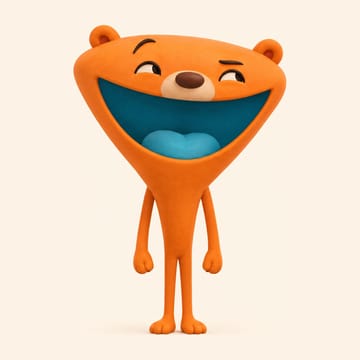
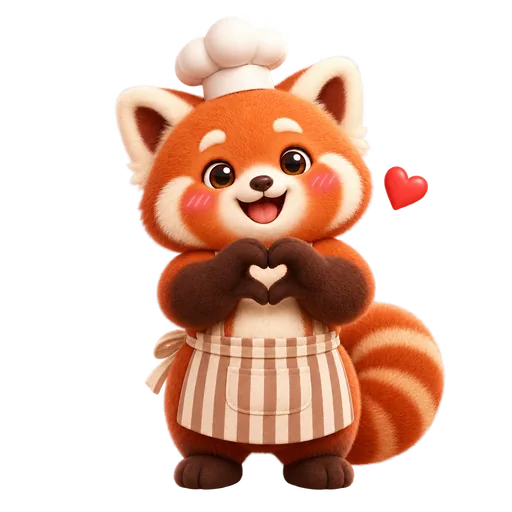
Red panda chef sticker
Red panda chef stickerStickers
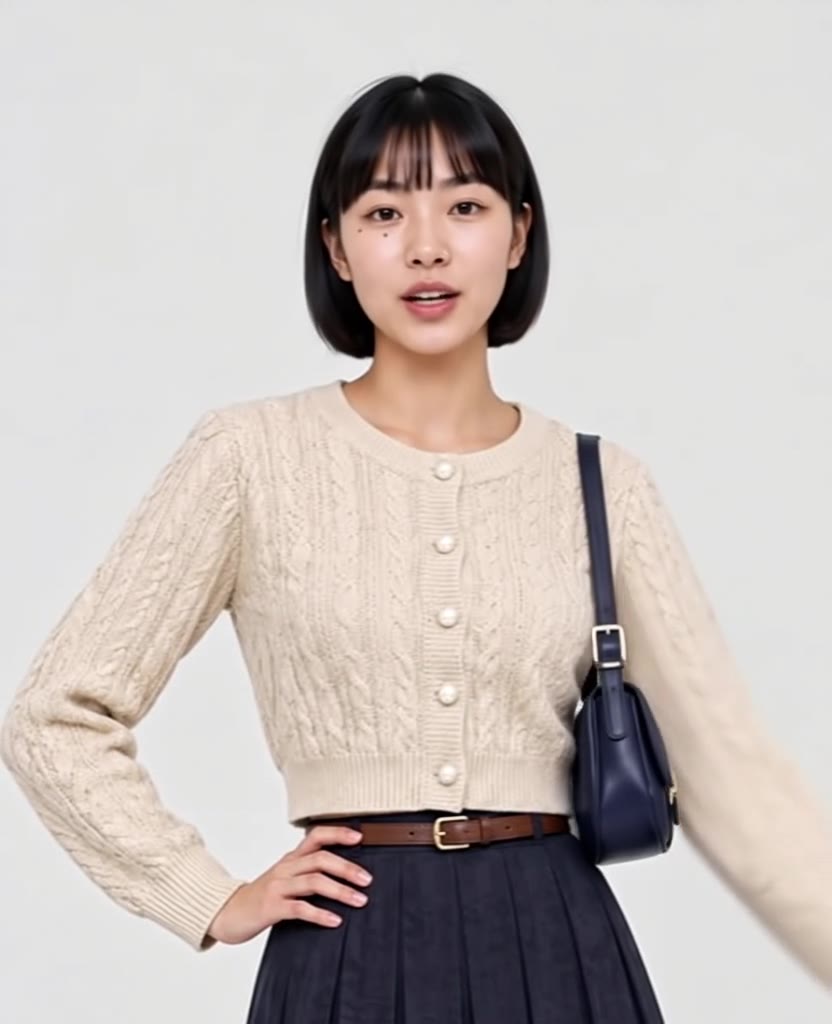
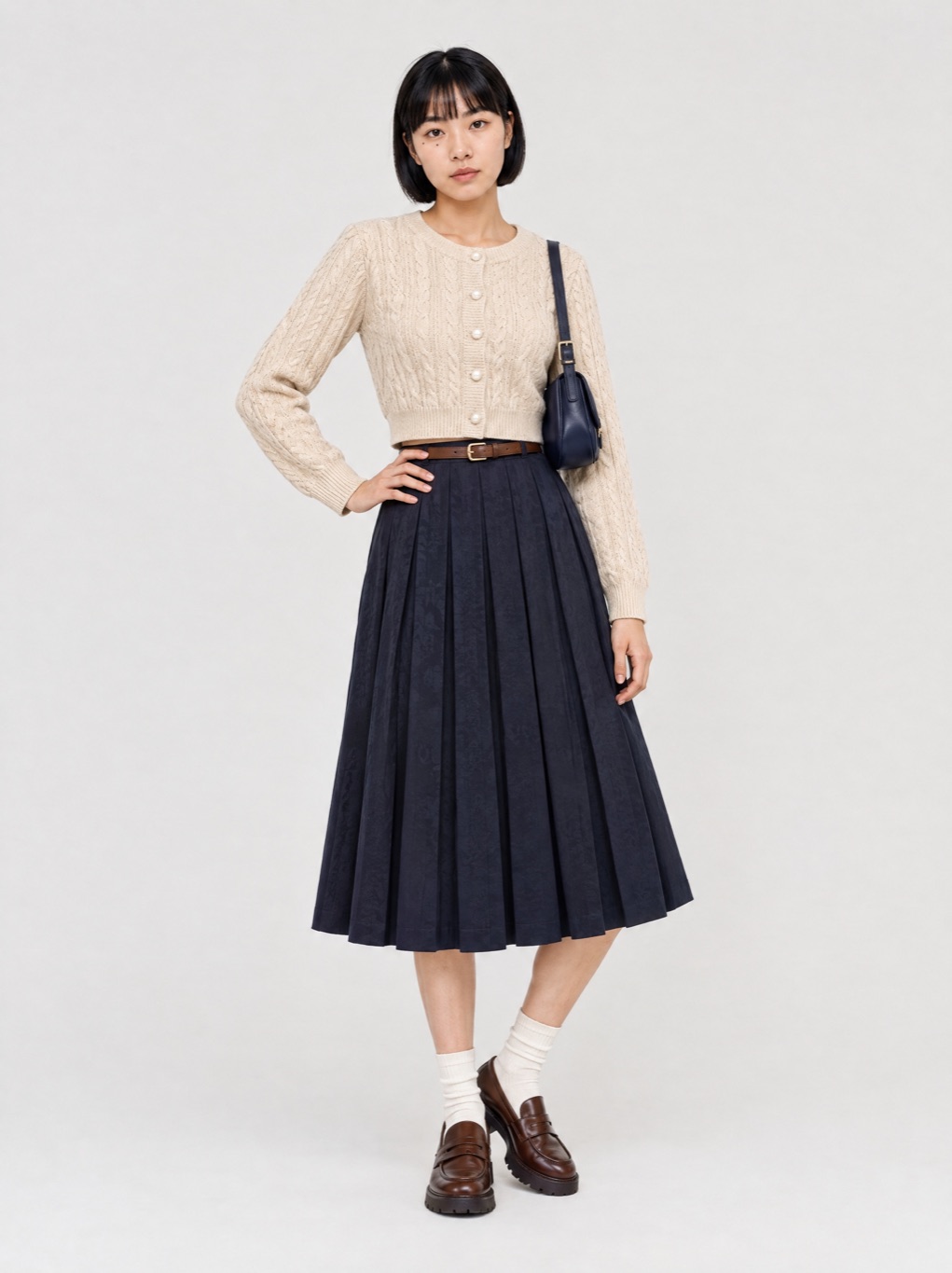
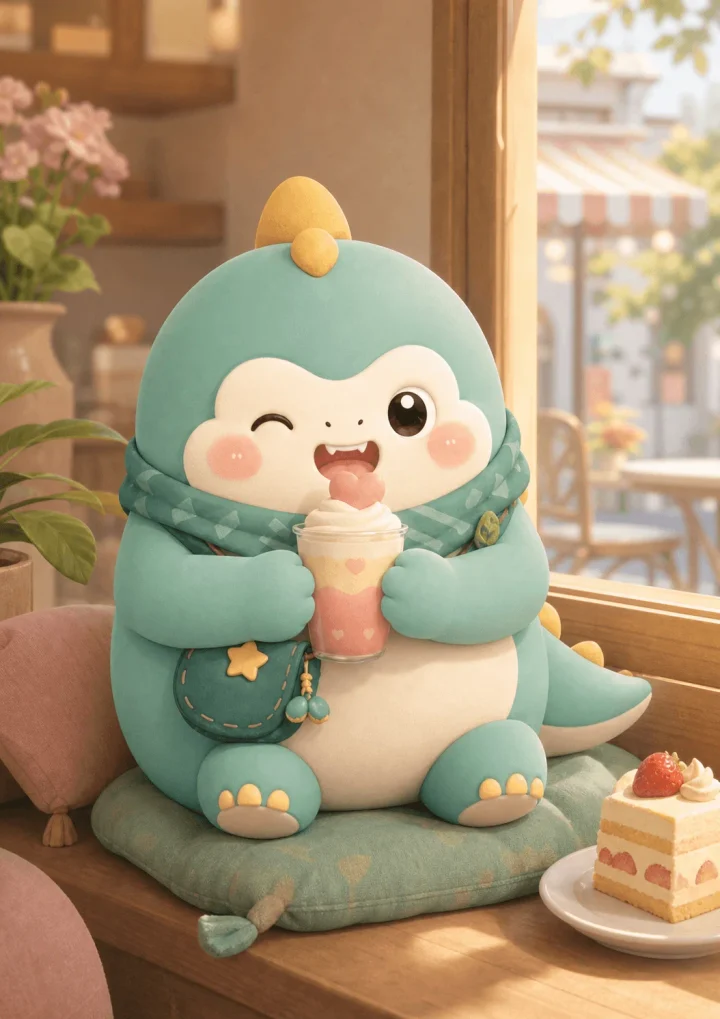
Seoul café selfie vlogDaily vlog
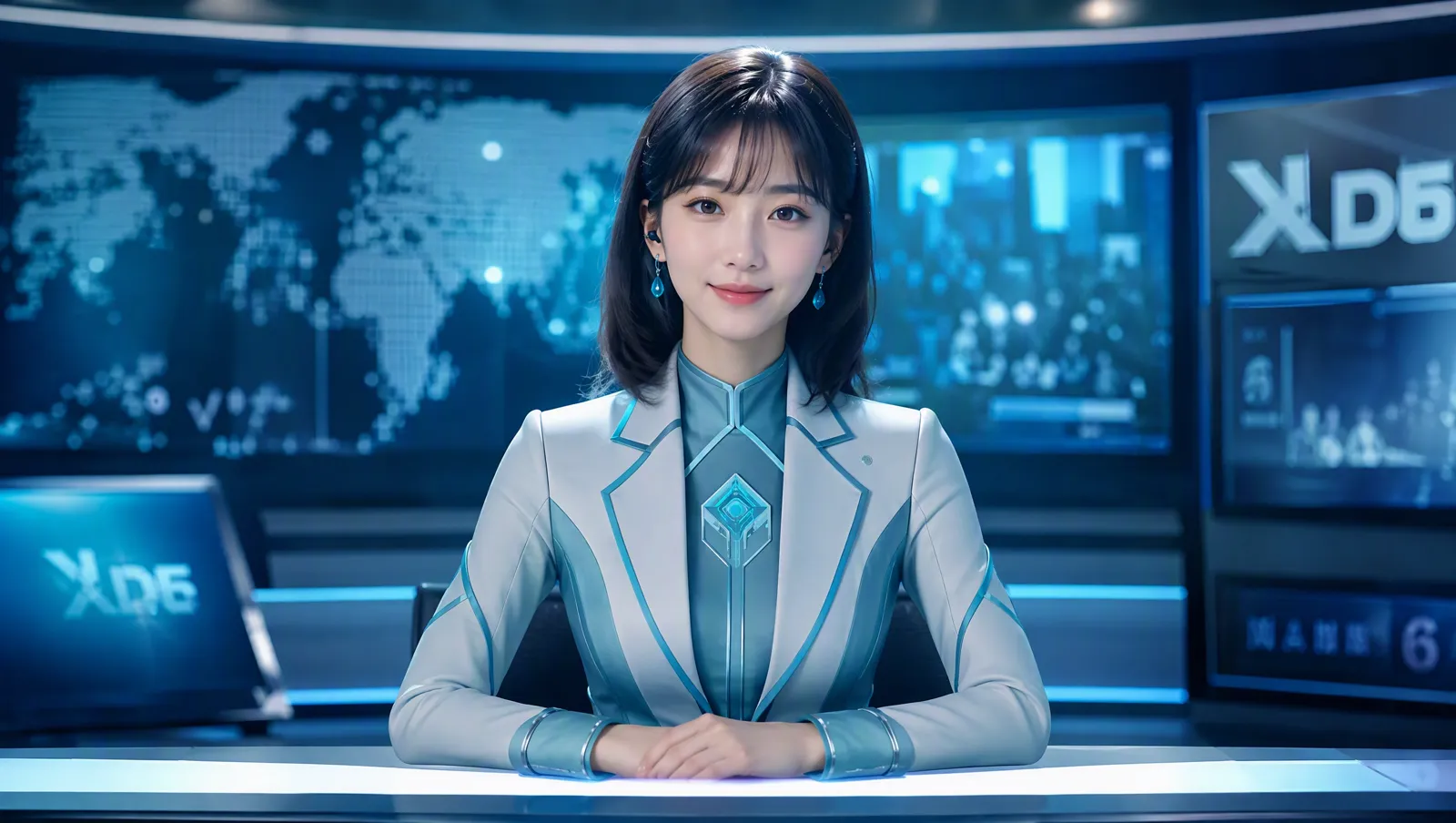
Character-presented explainerFaceless explainer
Moves copied from a dance clipMotion transfer
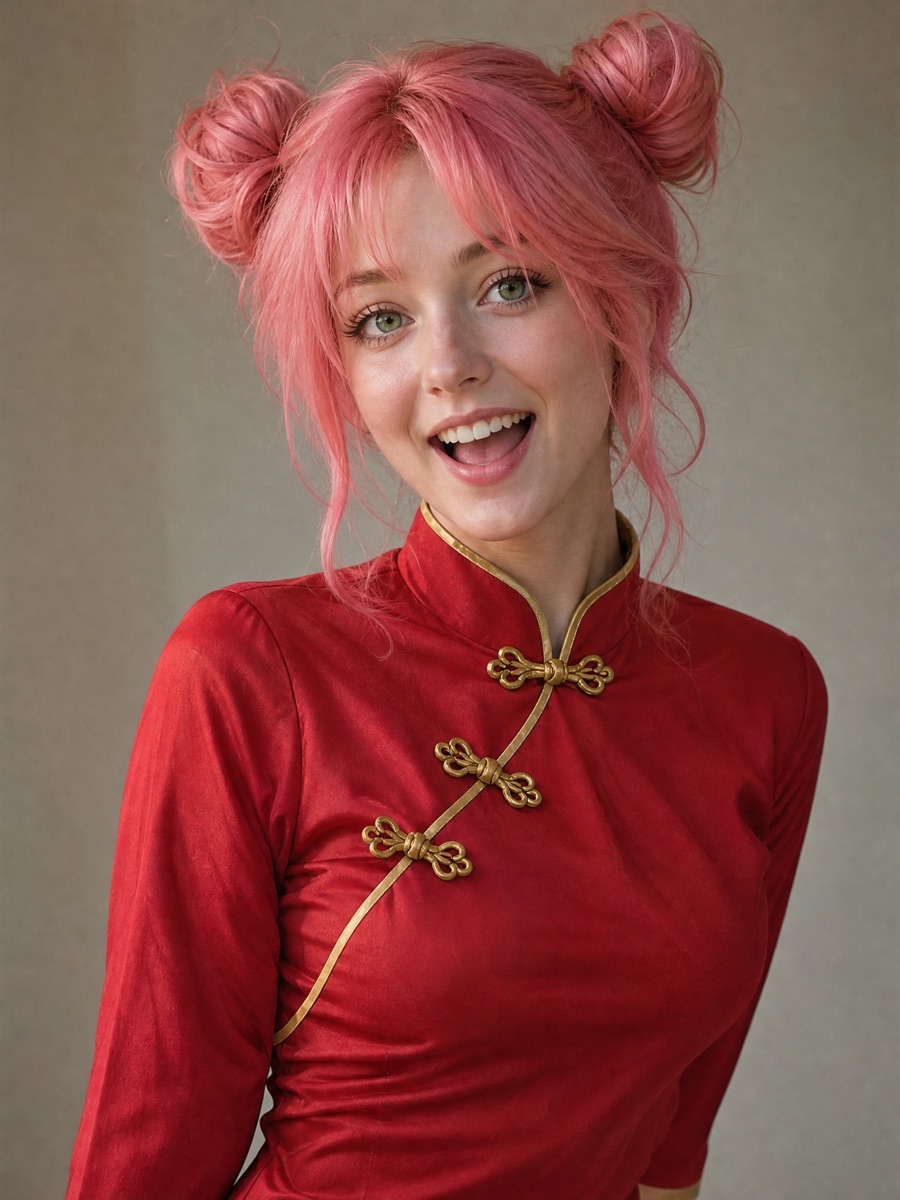
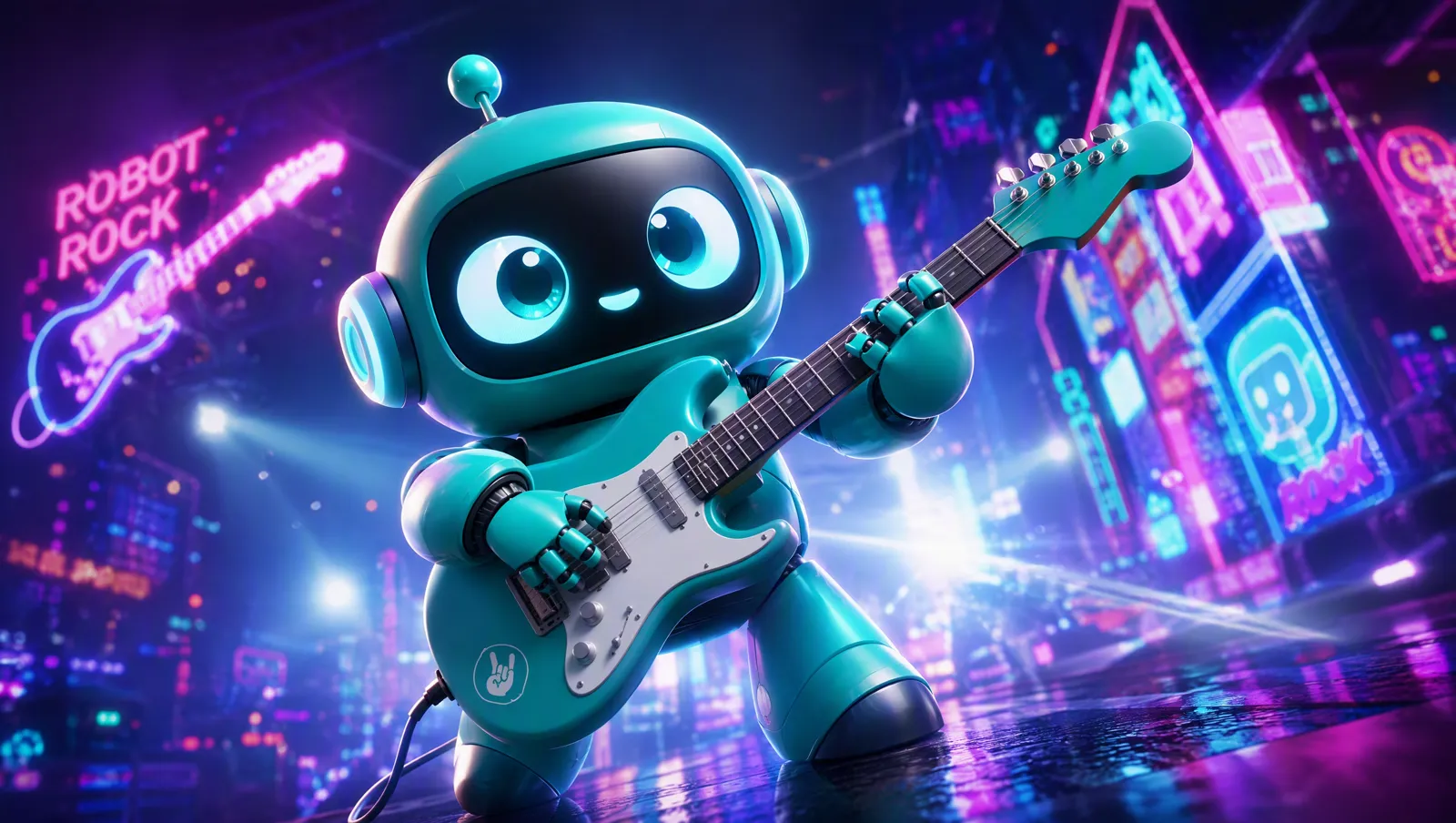
Music video stage shot
Music video stage shotMusic video
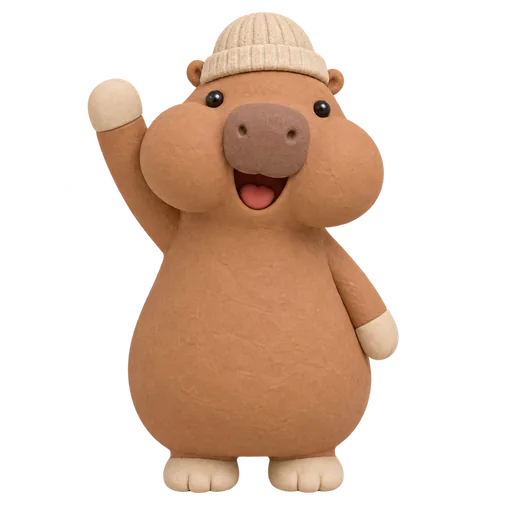
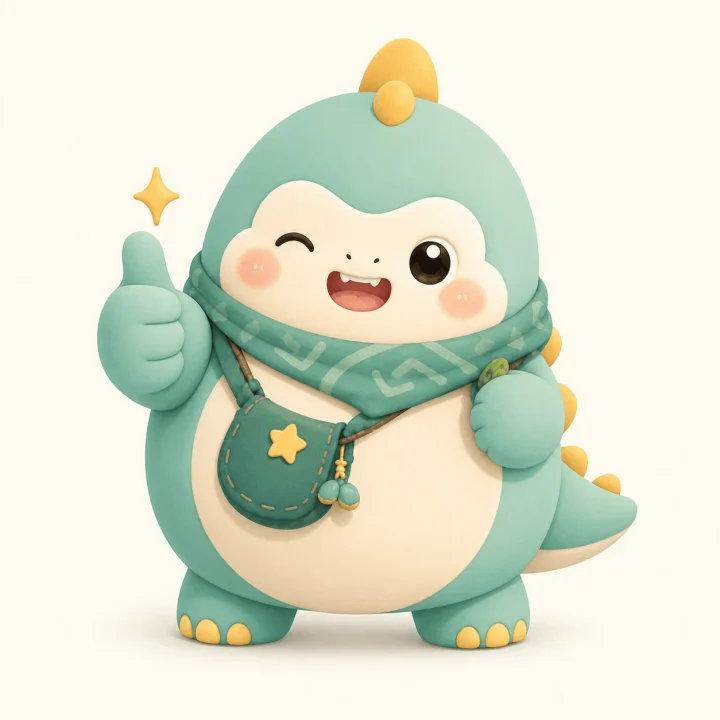
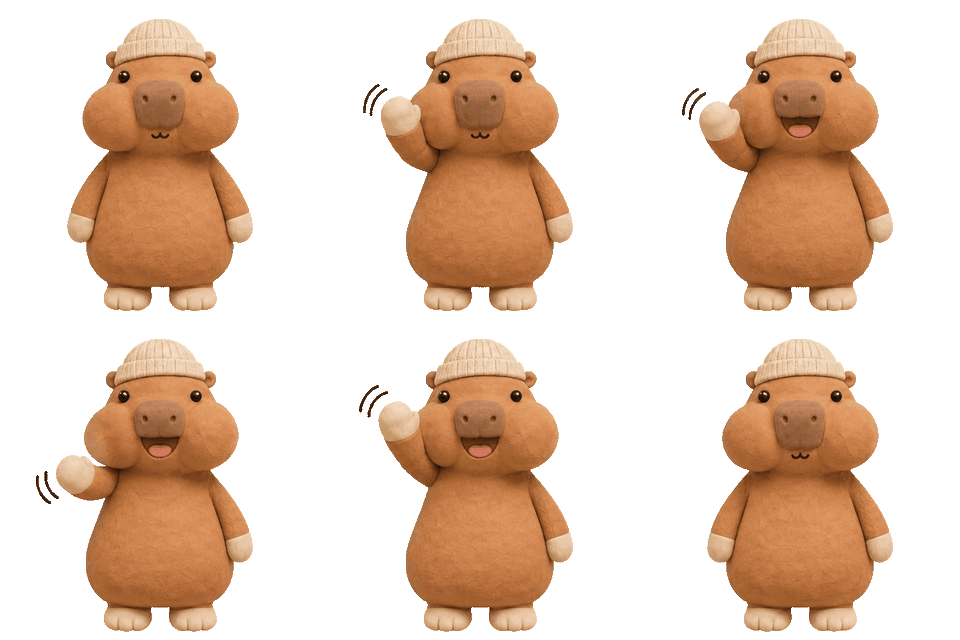
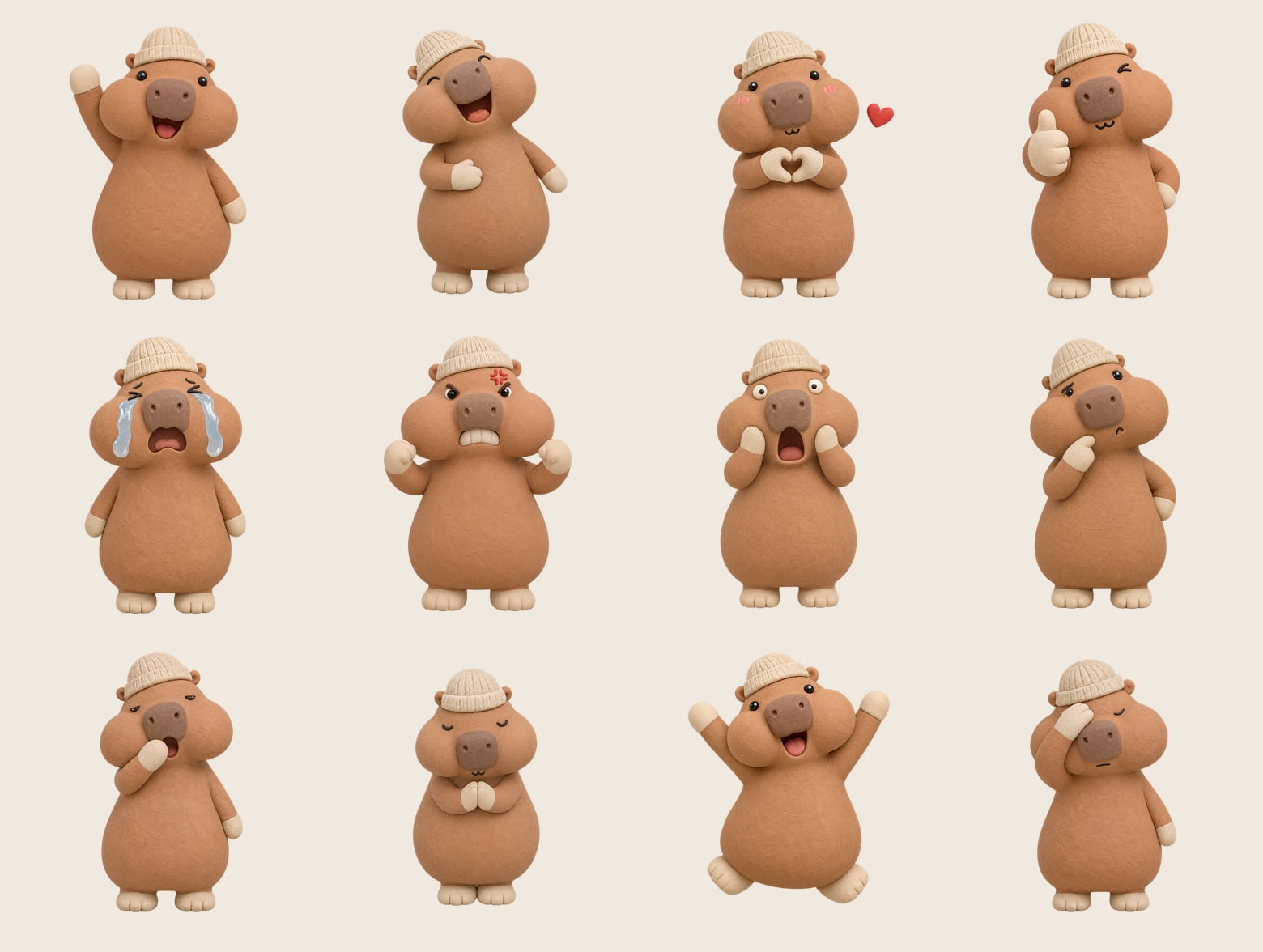
Capybara waving, animated GIF
Capybara waving, animated GIFStickers
Gym talk to cameraDaily vlog
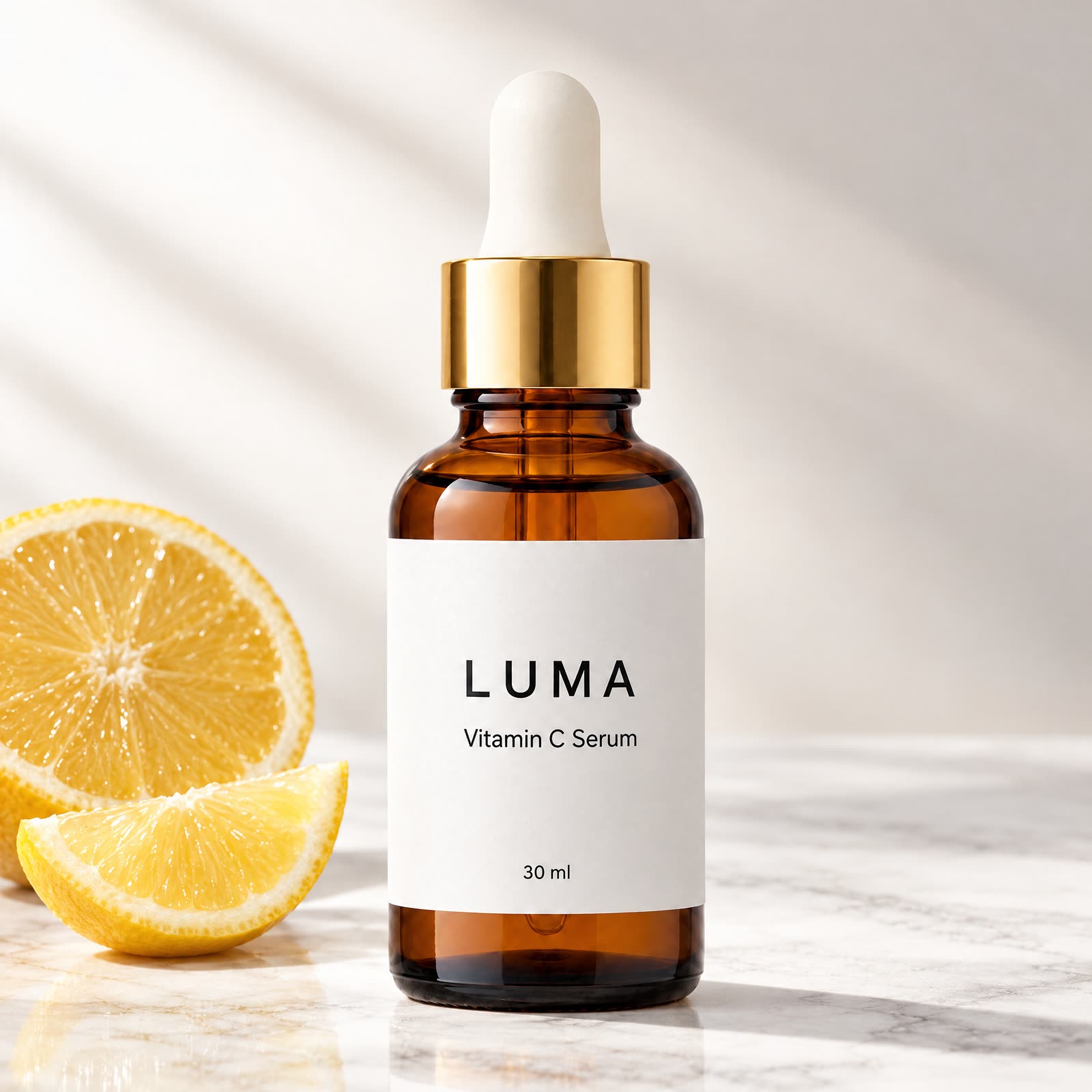
Explainer frame
Explainer frameFaceless explainer
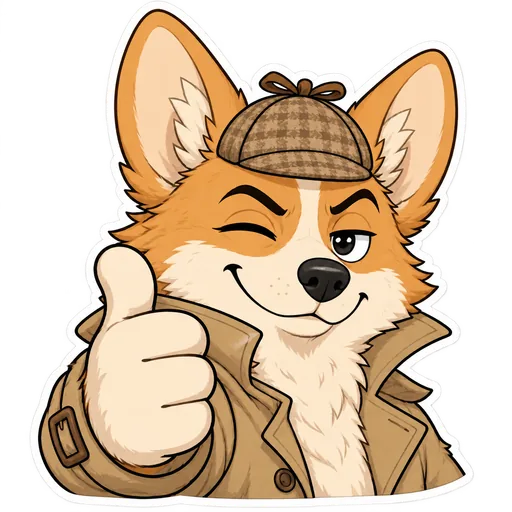
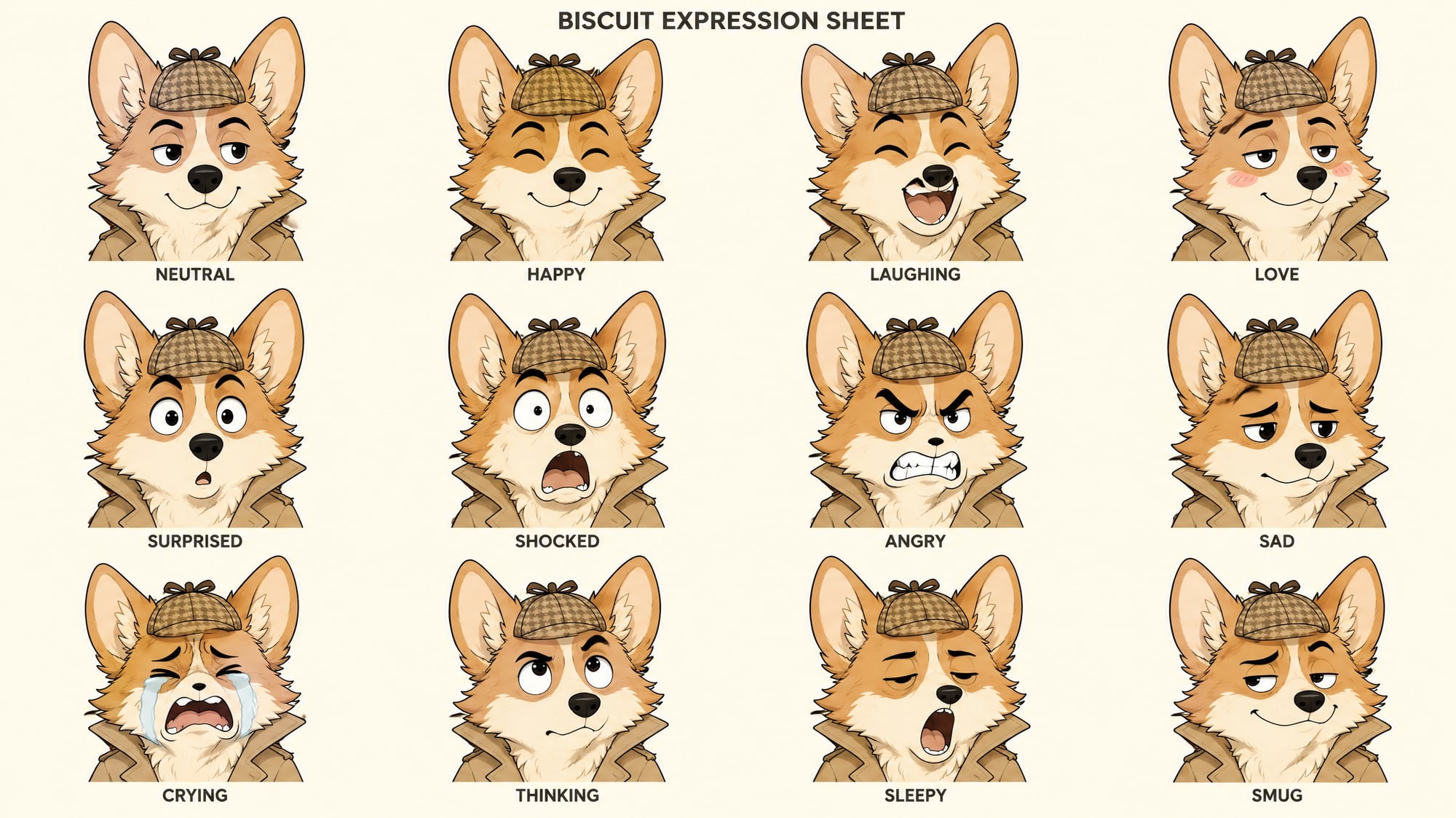
Corgi detective Twitch emote
Corgi detective Twitch emoteStickers
Get ready with meDaily vlog
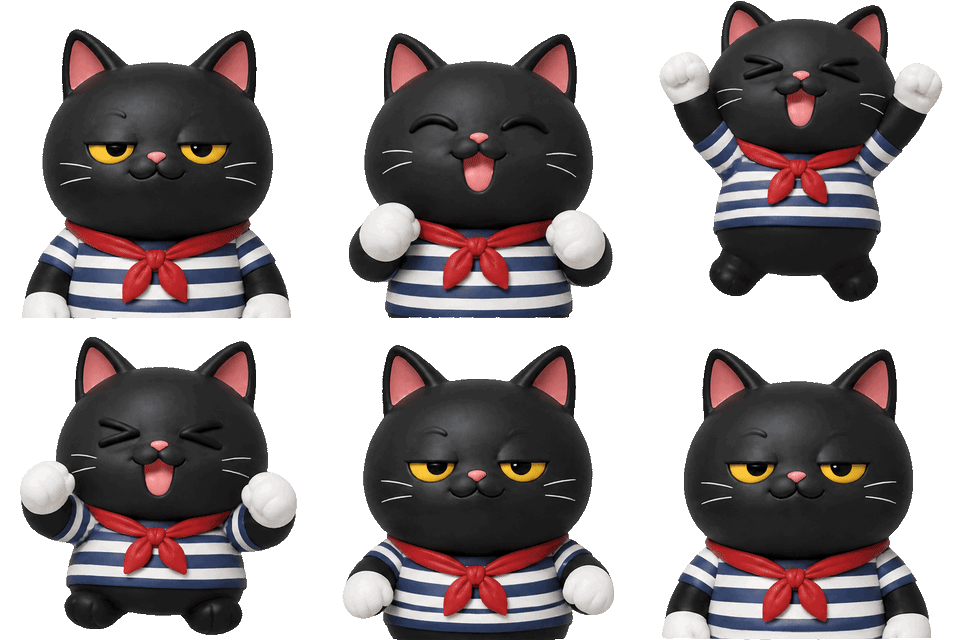
Sailor cat animated Discord emoji
Sailor cat animated Discord emojiStickers
A 12-sticker pack from one reference
A 12-sticker pack from one referenceStickers
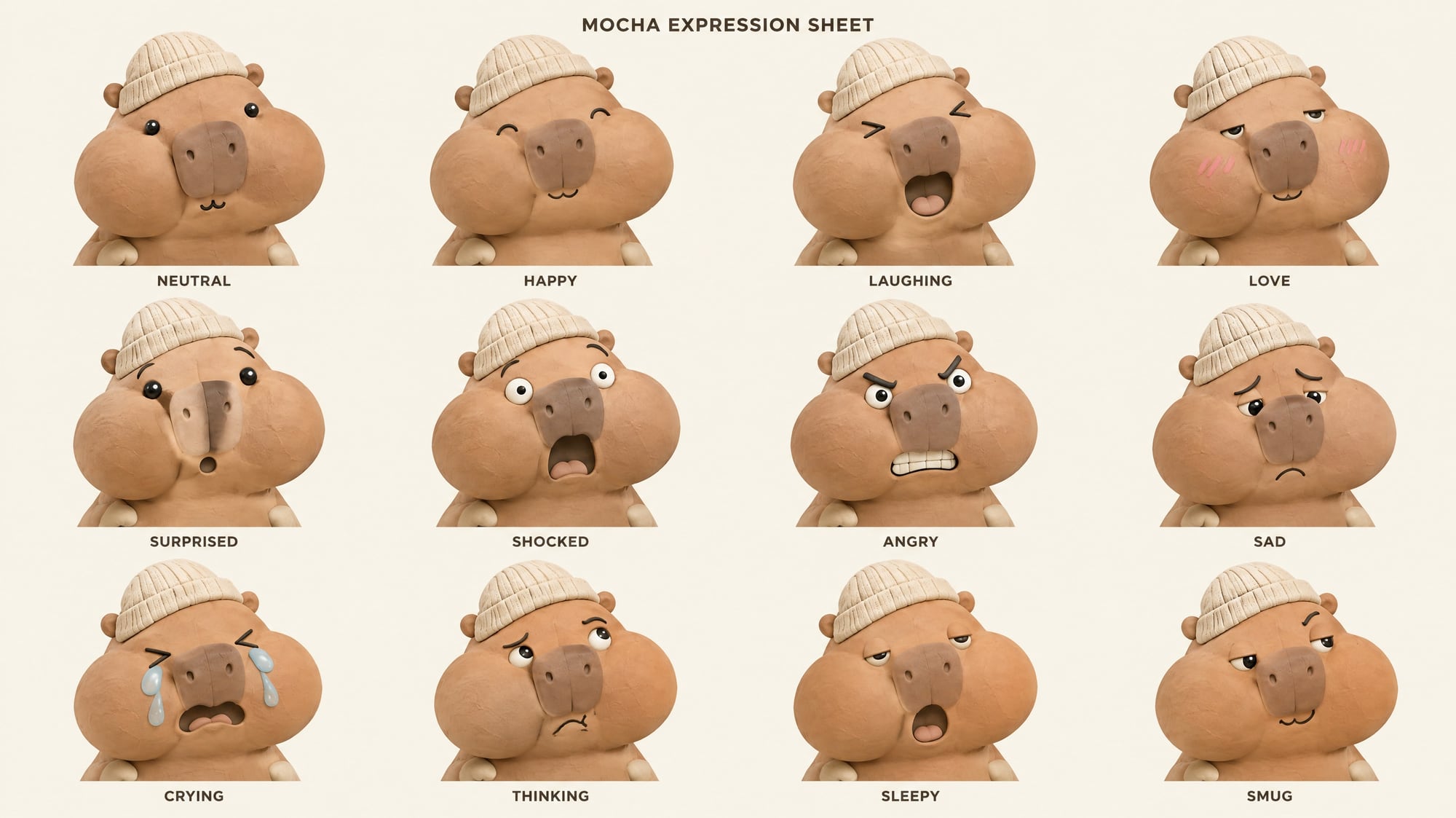
Character expression sheet
Character expression sheetStickers

Where a one-person studio gets stuck

blubiu is an AI animation generator for one-person studios: script, characters, shots, voice and music in one workflow. Pick a scene, fill in the blanks, get the video, with the same characters every time. Every blubiu workflow exists to pull the four below into one workbench.

Six tools taped together

Script in a chat app, images in one generator, video in another, voice in a third, then an editor to put it together. Every switch loses context.

blubiu

One workflow runs script, shots, voice and cut in one place: pick a scene, fill in the blanks, get the video.

In progress
The character changes every clip

The same character comes back with a different face or outfit every generation, so a series never holds together.

blubiu

Characters, places and voices are set once as assets, and every shot is generated against the same ones.

A pile of material to sort

Dozens of images and clips per episode, and you are the only one keeping track of which ones made the cut.

blubiu

Every shot is confirmed on one workbench: the keepers move on, the rest stay put.

In progress

Clips still have to be cut

What comes out is a folder of short clips; stitching, voice, music and captions still happen somewhere else.

blubiu

Stitching, voice, music and captions happen on the same workbench, and the export is the finished video.

In progress
Every scene is a complete workflow

Script, characters, shots, voice and cut are all inside. Set characters, places and voices once, and every video after that matches.

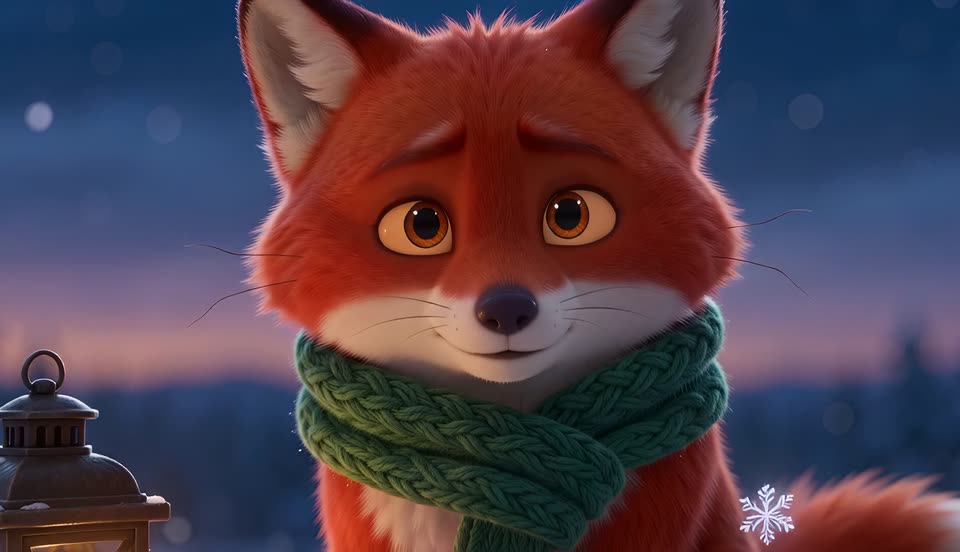
Animated series and shorts

Content with a recurring cast, made episode after episode.

Music video

Upload a song, pick a character, and get a full music video cut to the beat.

Workflow coming soon

Story video

A narrated story acted out shot by shot by your characters: bedtime, folklore, horror.

Reference to videoWorkflow coming soon

Animated short film

A one-to-three-minute short with script, shots, voice and music in one run.

Character designWorkflow coming soon

Series

The same cast, places and voices, episode after episode.

Workflow coming soon

Shorts

Vertical 15-to-60-second clips for YouTube Shorts and TikTok.

Reference to videoWorkflow coming soon

Kids' story

Bedtime and learning stories fronted by one recurring character.

Workflow coming soon

Cartoon

2D cartoon episodes with flat colors and clean lines.

Workflow coming soon

Stickman

Stick-figure animation: the lightest style and the fastest output.

Workflow coming soon

Long video

Ten-minute-plus videos, generated in parts and assembled on the same workbench.

Workflow coming soon

Stickers

A full sticker pack of the same character, as transparent stickers or GIFs, sized for Discord and Twitch.

Pets

Turn your own cat or dog into a character, then put it on screen.

Pet cartoon video

A few photos set the look; your pet becomes a cartoon character for stickers and short videos.

Workflow coming soon

Talking pet

Give it a voice and let it talk to camera.

Workflow coming soon

AI influencers

One persona that keeps posting, with no one on camera.

Daily vlog

Check-ins, gym days and daily moments, posted with the same face every time.

Faceless explainer

You write the script; the character presents and narrates it.

Reference to videoWorkflow coming soon

Viral remake

Keep a trending video's timing and camera moves, and swap in your character.

AI character swapWorkflow coming soon

Motion transfer

One full-body photo moves like a dance clip.

Motion transferWorkflow coming soon
Character assets

Design it once. Reuse it in every video.

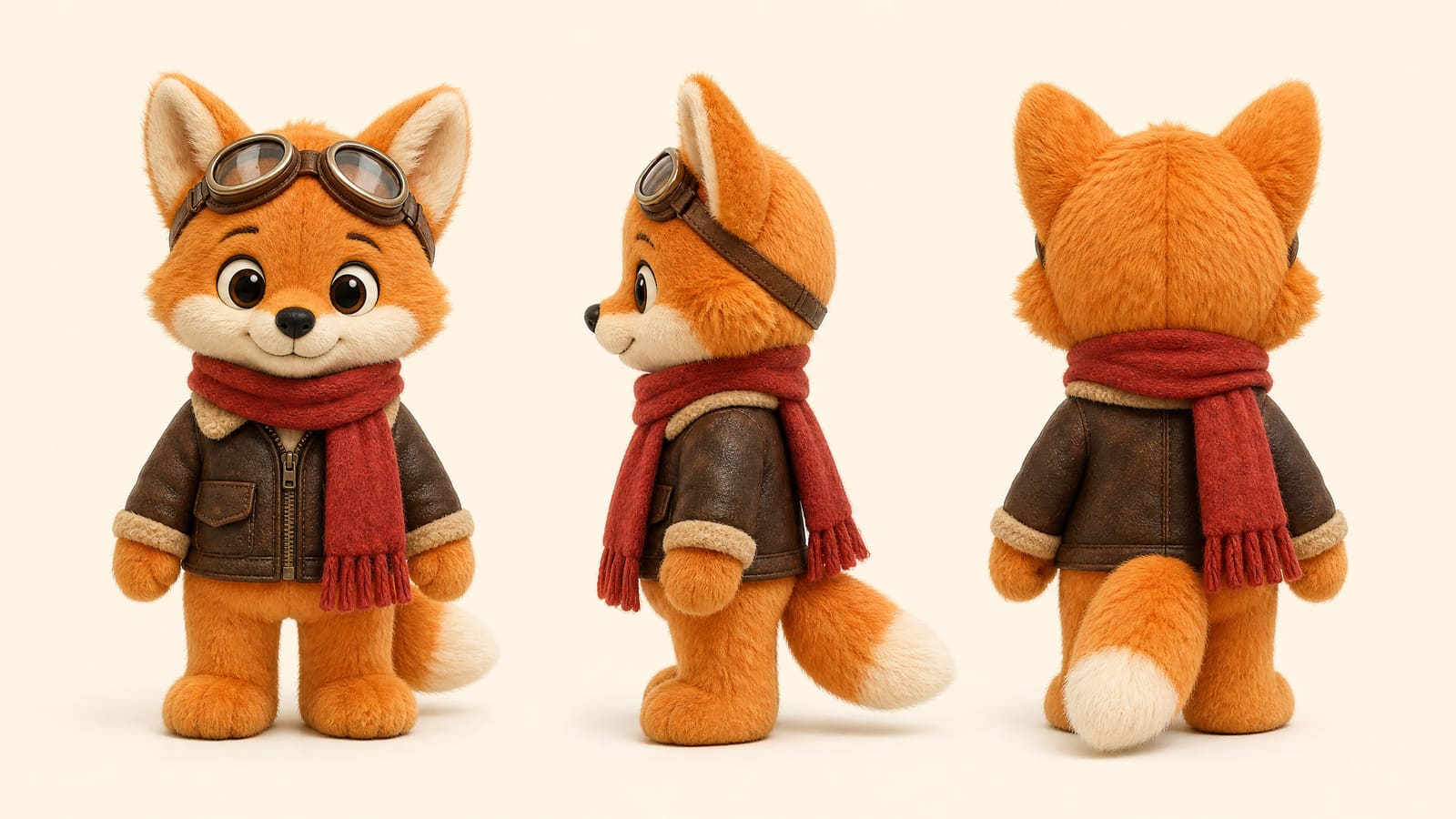
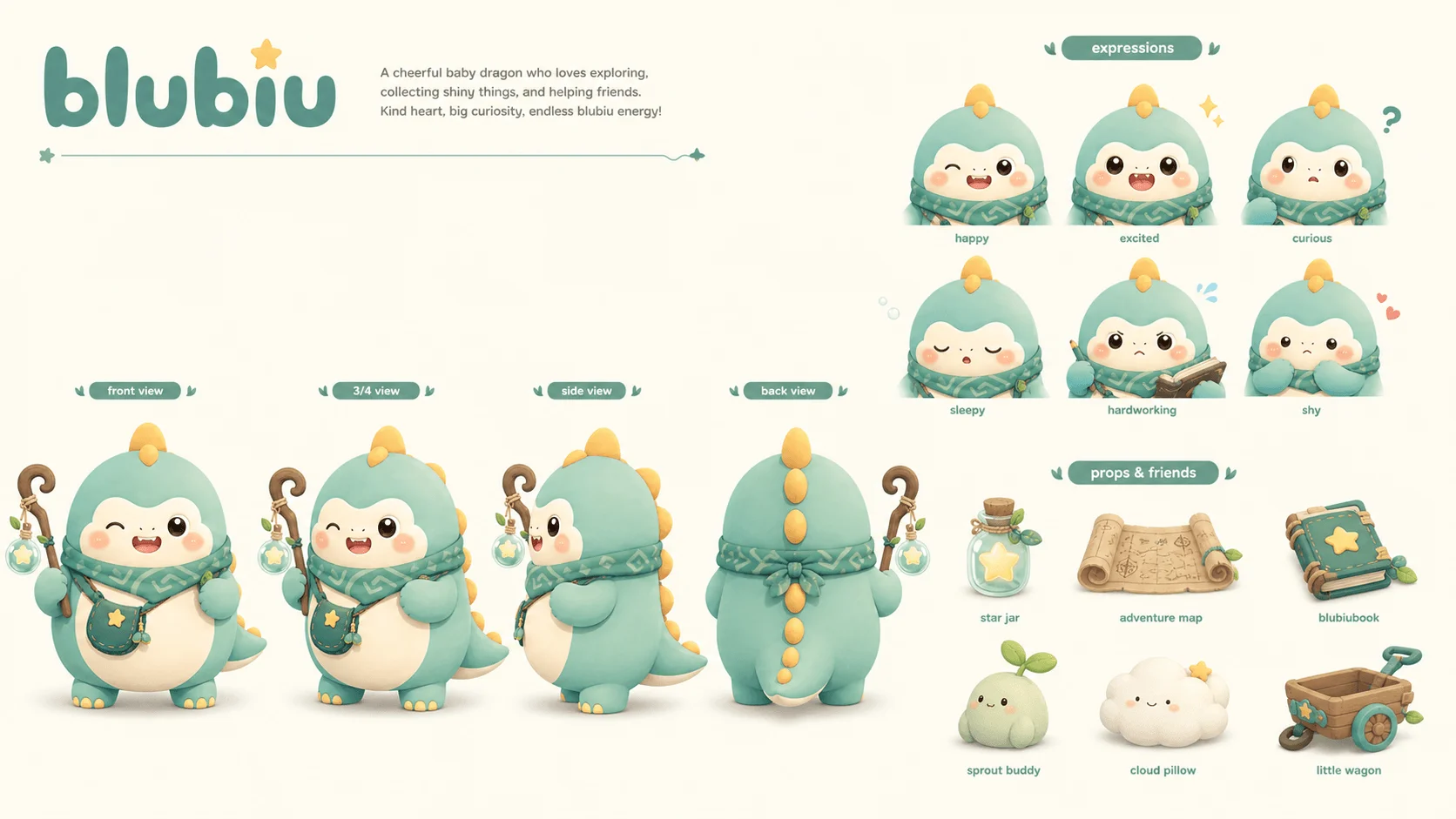
Your character isn't a throwaway prompt. Its sheet, turnaround, places and props are saved as assets, and every later image and video draws on the same ones.

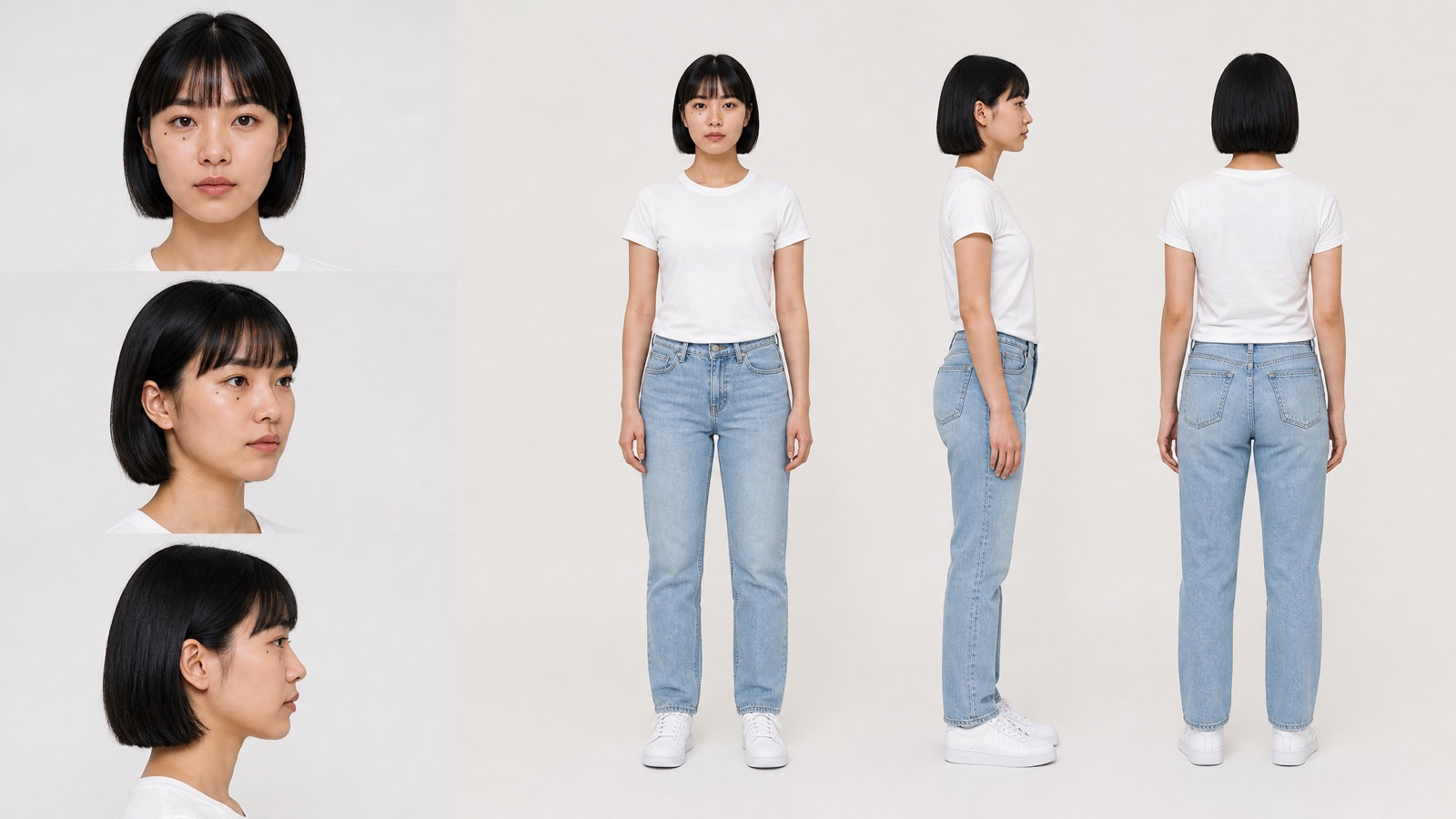
Character turnaround sheet: front, 3/4, profile, back
Front3/4ProfileBack
  • DocumentaryDocumentary
  • Sweet dramaSweet drama
  • ProductProduct
  • StickerSticker
  • KeyframeKeyframe
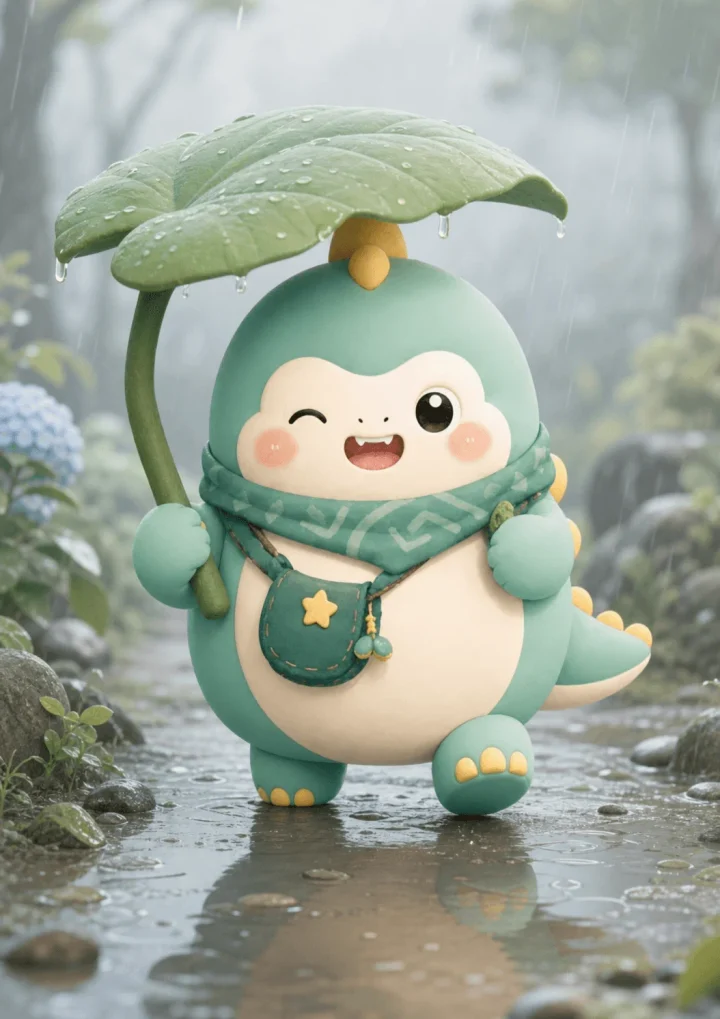
  • Rainy dayRainy day

Character sheet

Look, outfit, personality and rules, written down as data that every shot is checked against.

Turnaround

Front, three-quarter, side and back views, so the character holds up from any angle.

Scenes

The places your character keeps coming back to, drawn the same way in every episode.

Props

Signature items and your own products, kept consistent in every shot.

 
What a character is
Next project
The more you use it
Generic AI tools
A one-off prompt
Reroll — a new face
Harder — start over each time
blubiu
A reusable asset
Same anchor — still itself
Easier — your assets stack up

Three ways to create

One account and one set of character assets; start whichever way suits you.

Playground

Open a scene page, use a prompt template or write your own, and get one image or video.

For: People who know exactly what they want and need one result.

Workflows

Pick a scene such as a music video or a kids' story; set characters, places and voices once, and the script, shots, voiceover and cut come out of one workflow.

For: People who want to fill in a few blanks rather than break the work into steps themselves.

Workflows · Soon

Infinite canvas

Drag script, image, video and voiceover nodes onto a canvas and wire the whole pipeline yourself.

For: People who want fine control over every step. Workflows run on this same canvas, so any workflow can be opened and changed.

FAQ

What you probably
want to ask first

+I can't write scripts or shot lists. Can I still make an animation?

Yes. Pick a scene and say what you want: the script, the shot list and every frame description are written for you, and each step stops to show you before anything is generated. Don't like something? Say it in plain words: “make shot 2 night-time”.

+How do credits work? Can I burn through them by accident?

You pay per generation and see the cost before you run it. Prompts come first for your approval, keyframes next — video, the expensive step, only runs after you've said yes. Failed generations are refunded automatically.

+Which models do you support? Am I locked into one?

Image: GPT Image, Nano Banana and Seedream. Video: Seedance 2.0, Veo 3.1 Fast, MiniMax H3 (Hailuo) and Wan 3.0, plus Kling Motion Control for motion transfer and FlashVSR for upscaling. You pick the model for each generation, and all of them run on the same credits. No lock-in, no bundled tiers.

+What can I export?

Images and video files download directly. Workflows can also be published as apps or called over the API and wired into your own pipeline.

+How do you keep my character looking the same across episodes?

Your character isn't redrawn each time — it's stored as an asset: a 4-view turnaround plus a structured character sheet in your IP library. Every shot and every episode anchors to it, so episode 12 is the same face as episode 1. This is the main thing that separates us from generic video tools.

+Can I use the results commercially?

Yes. What you generate is yours, with no extra licensing fee for commercial projects.

+If I change one shot, do I have to redo the whole film?

No. The system knows which canvas node each shot maps to and which downstream steps are affected, so only those re-run. That's exactly why we built natural-language rework as a core feature.

+How is this different from other AI video tools?

Most tools solve “generate one clip.” We solve “the same IP keeps producing new work without drifting” — character assets, the cross-shot consistency chain and per-shot rework are all built around that one problem.